Power Apps Training in Gurgaon Overview

Microsoft Power Apps enables professionals to create powerful, customized business apps all by themselves with ease and without requiring any coding. The Power Apps course in Gurgaon at Gyansetu is designed to train the learners in creating, developing, and implementing interactive solutions using Microsoft’s Power Platform. Based on practical learning and real-time use cases, participants understand how to automate tasks, build forms, integrate connectors, and publish robust applications for enterprise use.

Course materials bridge theory with practice by showing how to connect Power Apps with Power Automate, SharePoint, SQL, and Teams. You will learn how to create interfaces which are responsively driven, manage app permissions, and add detailed analytics to measure performance.

By the end of this course, you will be able to create integrated applications that are business-ready to support workflow and decision-making. With the assistance of Gyansetu in job placement, live projects, and experienced mentors, you can leap forward in your career in the fast-growing ecosystem of low-code applications.

Why choose Gyansetu’s Power App Course in Gurgaon?

It is as important to choose the right institute as it is to master the course, be it a beginner or an expert, Gyansetu makes sure one masters one’s field.

  • Real-time Learning: Get exposure to live project-based training in advanced Power Platform tools.
  • Certified Trainers: At Gyansetu we have trainers who have worked in the industry and have knowledge about what data-driven market needs.
  • Flexible Learning Options: Choose to attend Interactive Online or In-Classroom sessions at our Gurgaon Center.
  • Placement Assistance: This includes career guidance, interview preparation, and placement opportunities with top firms.
  • Personalized Mentorship: We offer each learner personalized mentorship and their progress is tracked continuously. 
  • Hands-on Curriculum: We help our learners by focusing on assignments and case studies from the real-world business challenges.
  • Global Certification: Receive credentials that prove your expertise in Power Apps and automation.

Power App Course and Certification in Gurgaon

Key Highlights of Power App Training Course in Gurgaon

100% Placement Support
Free Course Repeat Till You Get Job
Mock Interview Sessions
1:1 Doubt Clearing Sessions
Flexible Schedules
Real-time Industry Projects

Placement Stats

stats
Maximum salary hike
170%
Average salary hike
90%

Our Alumni in Top Companies

Data Analytics Course Placement Highlights

Avinash
74 % Hike
Data Analyst
NTK
Google
Data Analyst
Google
Priya Paswan
57 % Hike
Sales Consultant
Hear.com
Senior Data Analyst
Vistara

Batches Timing for Power Apps Training in Gurgaon

Track Weekdays (Tue-Fri) Weekends (Sat-Sun) Fast Track
Course Duration 4 Months 6 Months 30 Days
Hours Per Day 2-3 Hours 3-4 Hours 6 Hours
Training Mode Classroom/Online Classroom/Online Classroom/Online

Power Apps Course Professional Certification in Gurgaon

On completion of the Power Apps Course from Gyansetu Gurgaon, you will be provided with a recognized certification. This certification proves that you have the skills which are required for power automation.

This certification conveys theoretical and practical knowledge in developing low-code applications. After the course learners become well prepared for a wide range of jobs across different fields of industries.

Practical assessments through real-time projects, mentor evaluations, and business use cases ensure complete professional readiness in the certification process at Gyansetu. This Career Catalyst certification combines professional credibility with ever-expanding opportunities through career guidance sessions and placement assistance in the fast-evolving field of business application development.

Power Apps Training Curriculum

With this curriculum, Gyansetu Gurgaon has put together a Power Apps course that judiciously blends theoretical insights with practical ones. Each module builds a sound grasp of the concepts of Microsoft Power Platform, guiding the learners through real-time scenarios in building apps. The curriculum is structured to lead students through job-ready skills and hands-on experiences in every aspect of developing Power Apps-from data-driven solutions to the automation of complicated workflows.

Introduction to Microsoft PowerApps 4 Topics
  • Overview of PowerApps
  • History and evolution of PowerApps
  • The Power Platform ecosystem (Power BI, Power Automate, Power Virtual Agents)
  • Use cases for PowerApps in business
Features and Benefits of PowerApps 4 Topics
  • Low-code development
  • Integration with Microsoft 365 services
  • Data connectivity
  • User experience (UX) design principles for mobile and web apps
PowerApps Components 4 Topics
  • Canvas apps
  • Model-driven apps
  • Portals
  • Common data service (Dataverse)
  • Introduction to the PowerApps Studio
  • Navigating through the UI
  • Key components of the interface (tree view, properties, media, etc.)
  • Overview of Canvas Apps vs. Model-Driven Apps
  • Creating a blank app
  • Using templates to build apps
  • Configuring the screen layout and basic elements (labels, buttons, text inputs).
  • Adding simple controls (text boxes, dropdowns, galleries, etc.)
  • What are data sources?
  • Connecting to SharePoint, Excel, SQL, CDS (Dataverse)
  • How to use connectors in PowerApps
  • Displaying data in controls (labels, galleries)
  • Filtering and sorting data in controls
  • Global and Context Variables
  • Creating and modifying collections
  • Using variables for app logic
  • Managing user input and storing data temporarily
  • User Interface (UI) best practices
  • UX considerations for responsive apps
  • Theme and branding customizations (colors, fonts, logos)
  • Working with screens, navigation, and layout
  • Customizing icons and images
  • Creating forms to add, edit, and display data
  • Connecting forms to data sources
  • Understanding different types of forms (Display, Edit, New)
  • Form validation and error handling
  • Using galleries and data tables
  • Complex controls (charts, maps, etc.)
  • Conditional formatting
  • Formulas and expressions (if, switch, lookup, etc.)
  • Dynamic control of visibility and behavior based on data.
  • Introduction to PCF for custom controls
  • How to extend PowerApps with custom components
  • Setting up and using the PowerApps CLI (Command Line Interface)
  • Building custom connectors
  • Using third-party APIs in PowerApps
  • Calling REST APIs from PowerApps
  • Understanding authentication with custom connectors
  • Managing roles and permissions in PowerApps
  • Data security and role-based access
  • App sharing and publishing
  • Environment and data protection
  • What is Power Automate, and how does it complement PowerApps?
  • Key features of Power Automate
  • Automating workflows and approvals with Power Automate
  • Integrating PowerApps with Power Automate
  • Triggering a flow from PowerApps
  • Passing data from PowerApps to Power Automate
  • Handling responses and updates back in PowerApps
  • Error handling and flow failure notifications
  • Optimizing the performance of flows and apps.
  • Debugging and troubleshooting
  • How PowerApps can connect to SharePoint lists
  • Creating apps based on SharePoint data
  • Displaying SharePoint data in galleries and forms
  • PowerApps with SharePoint views and workflows
  • Embedding PowerApps in Teams for collaboration
  • Creating apps directly inside Teams
  • Managing PowerApps permissions in Teams
  • Leveraging Teams data within PowerApps
  • Steps to publish an app
  • Configuring app settings and details
  • Sharing the app with users and groups
  • Managing app versions and updates
  • Tracking app usage and performance
  • Utilizing PowerApps Analytics
  • Analyzing error reports and usage logs
  • Continuous improvement strategies for PowerApps apps
  • Designing and developing a complete PowerApps solution
  • Using all the skills learned in the course
  • Building an app that solves a real-world business problem
  • Idea generation, design, and development
  • Testing and debugging
  • Presentation of the solution to peers or instructors.

Industry Ready Data Analyst Projects

Designed by Industry Experts
Get Real-World Experience
Market Basket Analysis for Retail Optimization

This project analysis customer purchase behaviour. You will work upon rule mining techniques and algorithms to identify co-occurring items. Retailers can optimize product placement, inventory management and promotions to increase selling opportunities, enhance customer satisfaction and maximise revenue.

Sentiment Analysis for Social Media Monitoring

This project uses techniques to analyse sentiments in social media posts, online discussions and customer reviews by classifying text data as positive, negative, neutral. It greatly helps businesses to examine public sentiments, emerging trends and make data driven decision making.

clock-icon
320+
Hours of content
video
80+
Live sessions
hammer
7+
Tools and software

Data Analytics Skills you can add in your CV

Data Analytics Tools Covered

What Sets This Program Apart?

GyanSetu
Other Courses
all-in-oneAll-in-One Toolkit
Complete roadmap: Power Apps, Power Automate, Dataverse, Canvas Apps, Model-Driven Apps, AI Builder, Power BI Integration.
Covers only basic app-building with outdated UI and no automation or AI integration.
progress-iconBeginner-to-Pro
Starts from scratch—ideal for beginners. Step-by-step journey from simple apps to advanced enterprise-grade solutions.
Assume prior Power Platform knowledge—beginners often feel confused.
empoweredAI-Enabled Development
Integrates AI Builder, Copilot Studio, and Gen AI-driven app development in every module.
No AI Builder, no Copilot, no modern AI workflows.
focusedCareer-Focused Tracks
Choose your specialization – ✔ Power Platform Developer ✔ Automation Specialist ✔ Business App Creator
One-size-fits-all, no specialized career paths.
Real Industry Exposure
Build 20+ real apps + 2 live capstone projects using real business workflows (HRMS, CRM, Inventory, Sales Automation).
Only 1–2 mini classroom-style demos.
expertiseLegacy & Expertise
Built by Microsoft-certified experts with 15+ years of Power Platform & enterprise automation experience.
Trainers lack hands-on consulting or enterprise background.
practicePractice Over Theory
70% hands-on app-building, Dataverse integration, automation workflows, and AI Builder labs.
Mostly theory, very limited real implementation practice.
mentorshipExpert Mentorship
Learn from working professionals at Microsoft, Deloitte, EY, PwC with real Power Platform project experience.
Faculty with no active Power Platform industry exposure.
course in gurgaon
Who is this course for?
  • Students and Recent Graduates
  • Working Professionals
  • Career Changers
  • IT Professionals
  • Educators and Academic Researchers
  • Entrepreneurs and Business Owners

Career Assistance for Power App Course in Gurgaon

briefcase
Job Opportunities Guaranteed

Get a 100% Guaranteed Interview Opportunities Post Completion of the training.

lock
Access to Job Application & Alumni Network

Get chance to connect with Hiring partners from top startups and product-based companies.

Mock Interview Session

Get One-On-One Mock Interview Session with our Experts. They will provide continuous feedback and improvement plan until you get a job in industry.

Live Interactive Sessions

Live interactive sessions with industry experts to gain knowledge on the skills expected by companies. Solve practice sheets on interview questions to help crack interviews.

lock
Career Oriented Sessions

Personalized career focused sessions to guide on current interview trends, personality development, soft skill and HR related questions.

briefcase
Resume & Naukri Profile Building

Get help in creating resume & Naukri Profile from our placement team and learn how to grab attention of HR’s for shortlisting your profile.

Top Companies Hiring for Data Analytics Role

Honours & Awards Recognition

Awarded by GD Goenka University
GD Goenka University
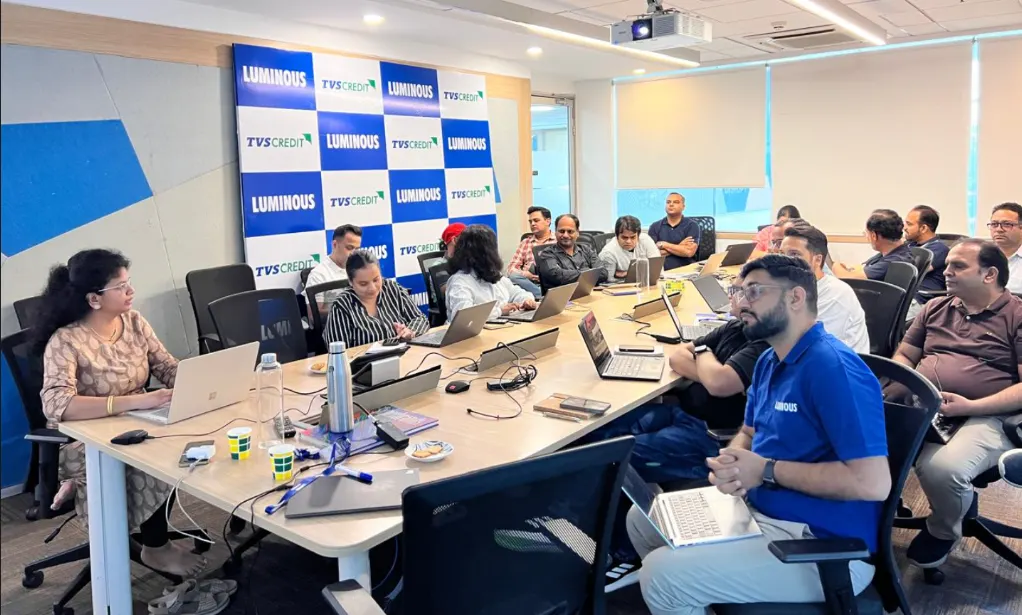
Gyansetu conducted Power BI training for Livpure employees
Livpure
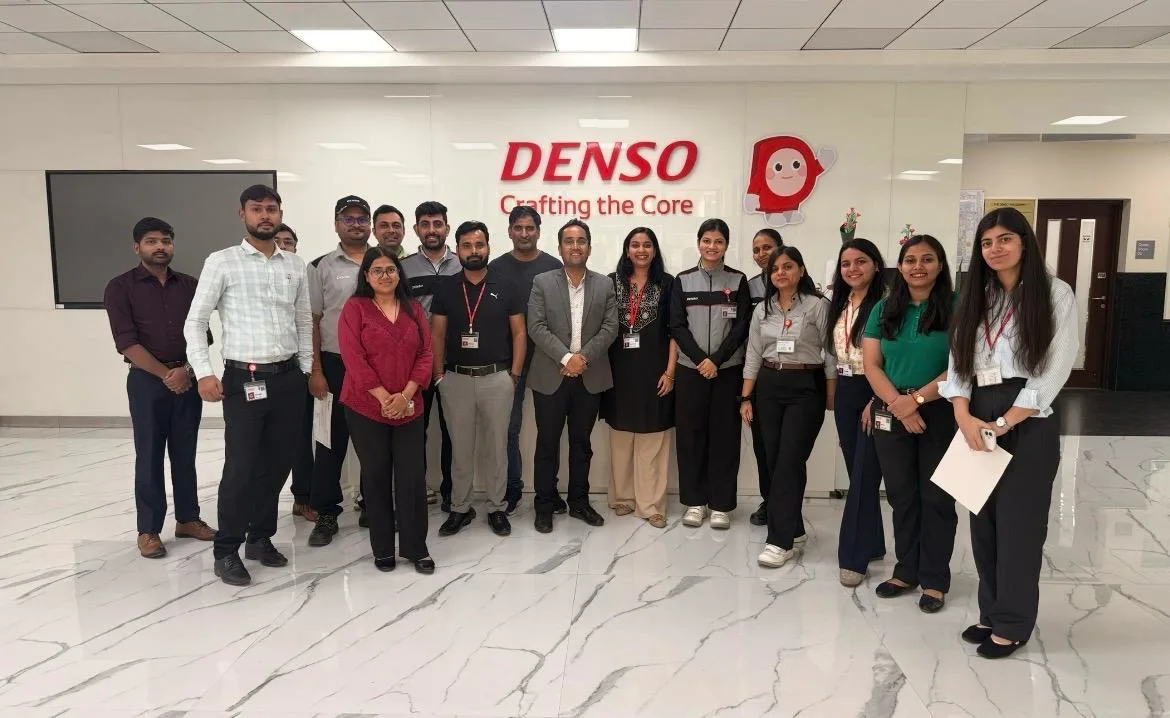
Gyansetu conducted Advanced Excel training for Denso International Employees
Denso International
Gyansetu conducted Full Stack Development training for ReverseLogix employees
ReverseLogix
Gyansetu conducted Advanced Java training for BML Munjal University students
BML Munjal University
Gyansetu conducted workshop on Cloud Computing and Data Analytics for Manav Rachna University students
Manav Rachna University
Gyansetu conducted Java workshop for GLA University students
GLA University
Gyansetu conducted Data Analytics Workshop for DPGITM students
DPGITM
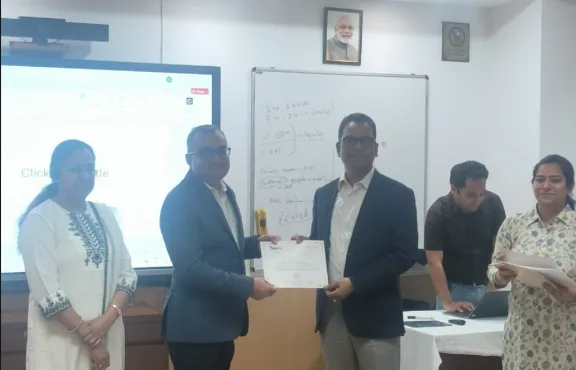
Certificate Issued to Gyansetu by GD Goenka University
GD Goenka University

FOR QUERIES, FEEDBACK OR ASSISTANCE

Contact Gyansetu Learner Support

Our Learners Testimonials

Ankita Mishra
Gyansetu’s commitment to practical learning has been evident throughout my journey as an Associate at EY. The institute’s focus on hands-on projects and real-world applications of Data Analytics principles equipped me with the skills and confidence needed to tackle complex business challenges in my role.
Anupriya Gupta
Transitioning into the role of Data Analyst at Google, I attribute much of my readiness to Gyansetu's practical learning environment. The institute's hands-on projects and real-world case studies provided me with the opportunity to develop the analytical skills necessary to thrive in a dynamic organization like Google.
Karan Bansal
I had a great learning experience with Gyansetu. The trainers were knowledgeable and supportive. The practical approach and hands-on training helped me in my work as an Insurance Operations Associate at Accenture.
self assessment
Self Assessment Test

Learn, Grow & Test your skill with Online Assessment Exam to achieve your Certification Goals.

FAQ: Microsoft Power Apps Training in Gurgaon

What are Microsoft Power Apps?

Microsoft Power Apps is a low-code platform on which professionals can build customized web and mobile applications quickly by connecting to various data sources and automating key business workflows with minimal coding.

Who should take this course?

The course targets business analysts, developers, and automation professionals who want to design business-ready applications without deep knowledge of programming.

Does this course require prior coding knowledge?

The target learners of Power Apps have little or no experience in coding. You will learn all you need to know in order to build and manage a powerful business application. Gyansetu’s Power course is beginner-friendly; it advances gradually.

Gyansetu conducts both online live as well as classroom training in Gurgaon, enabling flexible and practical learning at every learner’s convenience.

Yes, Gyansetu’s power app course includes integration with Power Automate and basics of Power BI which helps to efficiently automate workflows and showcase your application performance data.

Yes, learners work on multiple live projects that simulate real enterprise challenges to build practical app development experience.

In this course, you’ll learn about application design, data integration, automation using Power Automate, creation of user interface, and deployment techniques for real-time business applications. 

Yes, upon completion, you’ll get a renowned Gyansetu certificate designed to the standards of Microsoft Power Platform.

Yes, Gyansetu provides 100% placement assistance to their students by providing guidance in resume, mock interviews, and interview connection with hiring partners globally. 

There are no strict prerequisites. Basic knowledge of Office 365 or Excel is helpful, but beginners will also find their place here. 

Of course, since the course schedules are flexible, allowing working professionals to attend evening or weekend classes whenever they want.

frequently asked questions by students for courses
Categories
Drop us a Query
+91-9999201478

Available 24x7 for your queries

Please enable JavaScript in your browser to complete this form.