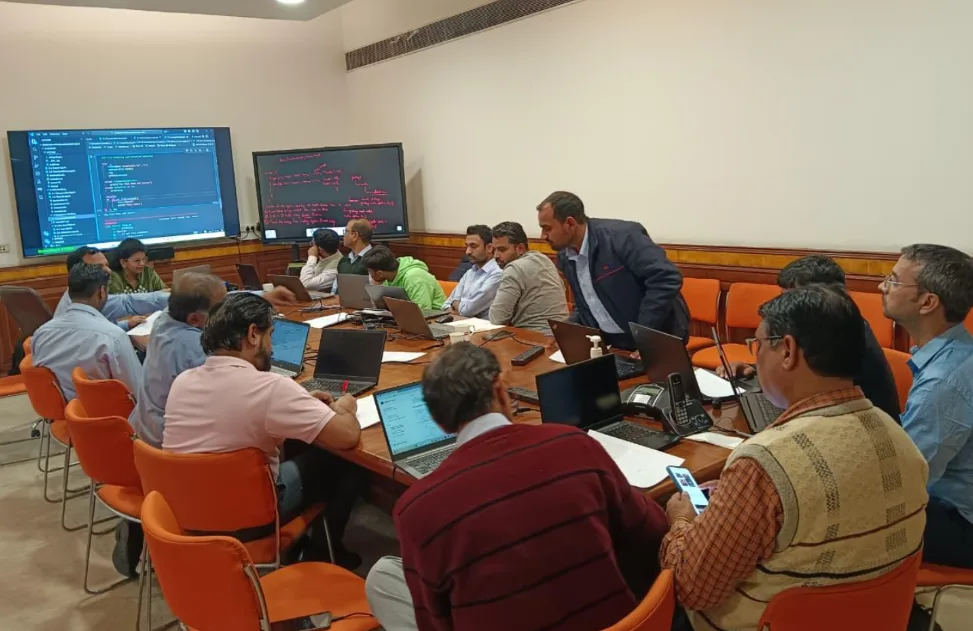
Power Automate Training Overview in Gurgaon

Gyansetu’s Power Automate Course in Gurgaon is designed to help working professionals master the art of automating day-to-day business tasks. Every company needs an effective tool to automate repetitive activities, link data from applications, and increase team productivity in today’s digital-first world. The course covers all detailed topics that lead a learner from the very basics to advanced concepts of Microsoft Power Automate.

You will learn to automate workflows, standardize approvals, and integrate Power Automate with other Microsoft 365 applications: Excel, SharePoint, and Power BI. This course offers hands-on training on real-world business scenarios so that you are confident in designing automation solutions to reduce effort, cut down on errors, and enhance decision-making.

Whether you aspire to be a data analyst, business professional, or IT specialist, Power Automate definitely gives you an advantage in workplace efficiency. With expert trainers at Gyansetu, live projects, and a structured approach, you will practically work on cloud-based automation of approvals, forms, data synchronization, and alerts. In the end, you will be able to simplify business operations and make automation your professional advantage.

Why choose Gyansetu’s Power Automate Course in Gurgaon?

Gyansetu’s Power Automate course in Gurgaon helps professionals to excel concepts of automation by providing a perfect blend of theory and practical knowledge. 

  • Expert Mentorship: Learn from Microsoft-certified professionals who have several years of experience in automation.
  • Hands-on Projects: Work on real-world enterprise workflows and apply automation to them.
  • Full Curriculum: Quickly cover subjects from flow creation to advanced RPA integration.
  • Flexible Learning Options: Choose between online live classes or classroom sessions in Gurgaon.
  • Certification Support: Get support to clear the Microsoft Power Platform exams with confidence.
  • Placement Assistance: Get resume support, mock interviews, and job referrals in top companies.

Power Automate Course and Certification  in Gurgaon

Key Highlights of Power Automate Training in Gurgaon

100% Placement Support
Free Course Repeat Till You Get Job
Mock Interview Sessions
1:1 Doubt Clearing Sessions
Flexible Schedules
Real-time Industry Projects

Placement Stats of Power Automate Training in Gurgaon

stats
Maximum salary hike
170%
Average salary hike
90%

Our Alumni in Top Companies

Power Automate Course Placement Highlights in Gurgaon

Avinash
74 % Hike
Data Analyst
NTK
Google
Data Analyst
Google
Priya Paswan
57 % Hike
Sales Consultant
Hear.com
Senior Data Analyst
Vistara

Batches Timing for Power Automate Training in Gurgaon

Track Weekdays (Tue-Fri) Weekends (Sat-Sun) Fast Track
Course Duration 4 Months 6 Months 30 Days
Hours Per Day 2-3 Hours 3-4 Hours 6 Hours
Training Mode Classroom/Online Classroom/Online Classroom/Online

Power Automate Training Professional Certification in Gurgaon

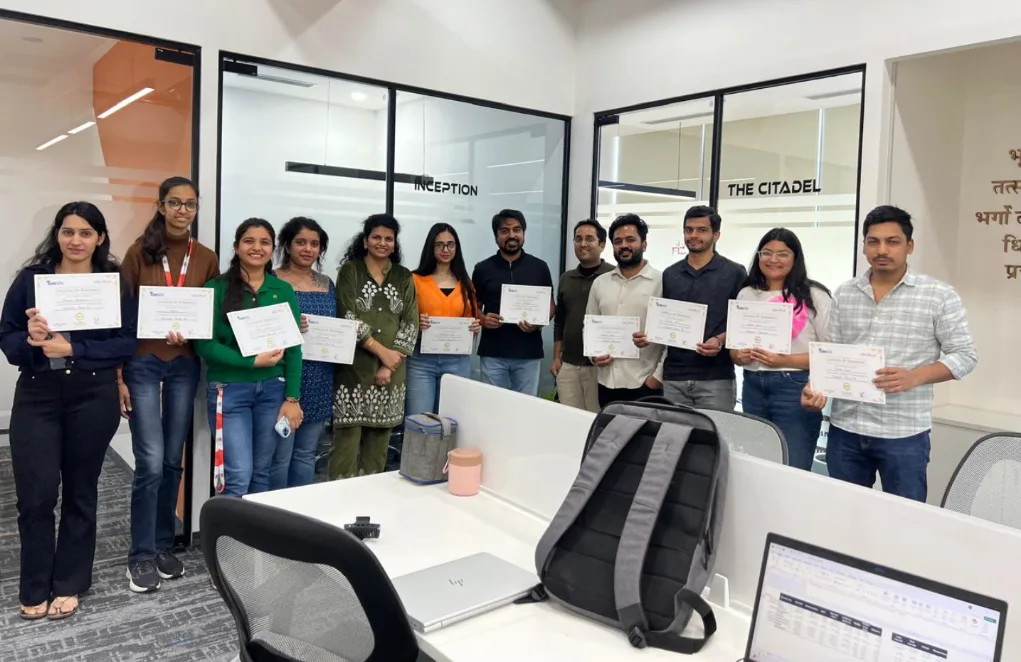
Completion of the Power Automate course at Gyansetu Gurgaon earns you two certificates: the Course Completion Certificate from Gyansetu and guidance regarding how to aim for official Microsoft certification on the Power Platform. These credentials validate your expertise in workflow automation and upgrading of business processes through Power Automate.

Certification at Gyansetu isn’t a mere formality; it is a proof of performance. Learners will work on real-time projects which will help them to gain more clear insights about automated process.This practical evaluation will ensure that you graduate job-ready.

The certification from Gyansetu adds credibility to your professional profile, making you noticeable in front of employers in the fields of data analytics, operations, and business automation. Our career assistance team helps to prepare for interviews and build an impactful resume. After completing power automation training from Gyansetu the recommended upgrades are Microsoft’s Power Platform Certification which will help in further strengthening the portfolio.

Get certified, get noticed, and unlock high-growth opportunities by mastering automation with Gyansetu’s structured learning pathway.

Power Automate Training Curriculum in Gurgaon

The course curriculum covers the core concepts of automation, the creation of flows, data integration, approval workflows, and cloud-based process automation. In this course, you'll work on Power Automate Desktop and RPA tools to connect apps and streamline business tasks with real-time projects and be ready for the Microsoft Power Platform certification with Gyansetu expert guidance.

Introduction to Microsoft Power Automate 3 Topics
  • Overview of Power Automate and its role in automating business processes
  • Benefits of using Power Automate in organizations
  • Understanding how it integrates with other Microsoft 365 apps (e.g., SharePoint, Outlook, Teams)
Navigating the Power Automate Interface 3 Topics
  • Power Automate Dashboard Overview
  • Introduction to the web interface and mobile app
  • Key features: Flow, Templates, Connectors, and Environments
Types of Flows 5 Topics
    • Automated Flows
    • Button Flows
    • Scheduled Flows
    • Business Process Flows
    • Desktop Flows
  • How to create an automated flow from scratch
  • Using templates to simplify workflow creation
  • Common flow types and their use cases
  • Overview of built-in connectors (SharePoint, OneDrive, Excel, etc.)
  • How to authenticate and set up data connections
  • Connecting third-party apps (Salesforce, Dropbox, etc.)
  • Understanding triggers and actions
  • Working with conditions, loops, and variables
  • Using built-in expressions and functions
  • Introduction to dynamic content and its use
  • Crafting expressions and formulas in Power Automate
  • Implementing conditional logic within flows
  • Using “Apply to Each” for loops
  • Using “Switch” for multi-condition handling
  • How to identify and handle errors
  • Setting up failure notifications
  • Using run history to debug and monitor flows
  • Automating document management workflows with SharePoint
  • Notifications, approvals, and task management in Teams
  • Creating flows between Teams and SharePoint libraries.
  • Creating email-based workflows
  • Automating approval processes
  • Conditional approvals based on email content
  • Creating automated reports from Excel files
  • Automating file uploads and synchronizations
  • Integrating OneDrive with other services for file management
  • Introduction to AI Builder and Power Automate integration
  • Creating AI-based automation
  • Working with AI models in your flows.
  • Introduction to custom connectors
  • How to create and use APIs in flows
  • Handling custom authentication (OAuth, API keys)
  • Design strategies for large, complex workflows
  • Organizing flows with variables, sub-flows, and parallel branches
  • Scaling flows for enterprise needs.
  • Understanding security models for flows
  • Managing permissions, roles, and access control
  • Compliance considerations for sensitive data
  • Setting up environments and data loss prevention (DLP) policies
  • Managing flow ownership and sharing permissions
  • Best practices for maintaining and auditing flows
  • Best practices for building efficient flows
  • Optimizing flow performance
  • Managing flow triggers and handling timeouts
  • Examples: Employee onboarding, leave request approvals
  • Using forms for data collection and automation
  • Automating notifications and document generation
  • Automating support ticket management
  • Integrating Power Automate with service management tools
  • Notifications and escalation workflows.
  • Automating lead generation and nurturing
  • Integrating with CRM systems for seamless workflows
  • Social media posting and reporting automation.
  • Desktop Flows in Power Automate Desktop
  • Automating repetitive tasks on your desktop
  • Recording and editing desktop automation.
  • How to connect desktop and cloud flows
  • Scheduling and running hybrid automation
  • Error handling in hybrid flows.

Industry Ready Data Analyst Projects

Designed by Industry Experts
Get Real-World Experience
Market Basket Analysis for Retail Optimization

This project analysis customer purchase behaviour. You will work upon rule mining techniques and algorithms to identify co-occurring items. Retailers can optimize product placement, inventory management and promotions to increase selling opportunities, enhance customer satisfaction and maximise revenue.

Sentiment Analysis for Social Media Monitoring

This project uses techniques to analyse sentiments in social media posts, online discussions and customer reviews by classifying text data as positive, negative, neutral. It greatly helps businesses to examine public sentiments, emerging trends and make data driven decision making.

clock-icon
320+
Hours of content
video
80+
Live sessions
hammer
7+
Tools and software

Power Automate Skills you can add in your CV

Power Automate Tools Covered

What Sets This Program Apart?

GyanSetu
Other Courses
all-in-oneAll-in-One Toolkit
Complete roadmap: Power Automate, Power Apps, Power BI, RPA, AI Builder, Cloud Flows, Desktop Flows – everything included.
Teaches only basic flows; outdated curriculum, no coverage of AI automation or RPA.
progress-iconBeginner-to-Pro
Starts from scratch with step-by-step learning. No prior coding or Power Platform knowledge required.
Assume you already know Power Platform, leaving beginners confused and lost.
empoweredGen AI + Automation Empowered
Integrated AI Builder, Copilot, ChatGPT Automation, LLM-powered workflows in every module.
No exposure to AI automation or modern Power Platform capabilities.
focusedCareer-Focused Tracks
Choose specialization – RPA Developer, Automation Specialist, Power Platform Consultant.
One-size-fits-all course with zero career customization.
Real Industry Exposure
Build 20+ real workflows + 2 live automation projects using business scenarios like HR, Finance & Operations.
Only 1–2 basic demo flows; mostly theory and no practical enterprise automation.
expertiseLegacy & Expertise
Program designed by Microsoft-certified experts with 12+ years of automation and Power Platform experience.
Trainers with limited real-world automation background.
practicePractice Over Theory
70% hands-on labs — cloud flows, desktop flows, RPA bots, integrations, approvals, connectors, API workflows.
Mostly slide-based teaching with minimal hands-on work.
mentorshipExpert Mentorship
Learn from working professionals from Microsoft, Infosys, Deloitte, Accenture.
Generic faculty with no active Power Automate or RPA industry exposure.
course in gurgaon
Who is this course for?
  • Students and Recent Graduates
  • Working Professionals
  • Career Changers
  • IT Professionals
  • Educators and Academic Researchers
  • Entrepreneurs and Business Owners

Career Assistance for Power Automate Course in Gurgaon

briefcase
Job Opportunities Guaranteed

Get a 100% Guaranteed Interview Opportunities Post Completion of the training.

lock
Access to Job Application & Alumni Network

Get chance to connect with Hiring partners from top startups and product-based companies.

Mock Interview Session

Get One-On-One Mock Interview Session with our Experts. They will provide continuous feedback and improvement plan until you get a job in industry.

Live Interactive Sessions

Live interactive sessions with industry experts to gain knowledge on the skills expected by companies. Solve practice sheets on interview questions to help crack interviews.

lock
Career Oriented Sessions

Personalized career focused sessions to guide on current interview trends, personality development, soft skill and HR related questions.

briefcase
Resume & Naukri Profile Building

Get help in creating resume & Naukri Profile from our placement team and learn how to grab attention of HR’s for shortlisting your profile.

Top Companies Hiring for Power Automate Role

Honours & Awards Recognition

Awarded by GD Goenka University
GD Goenka University
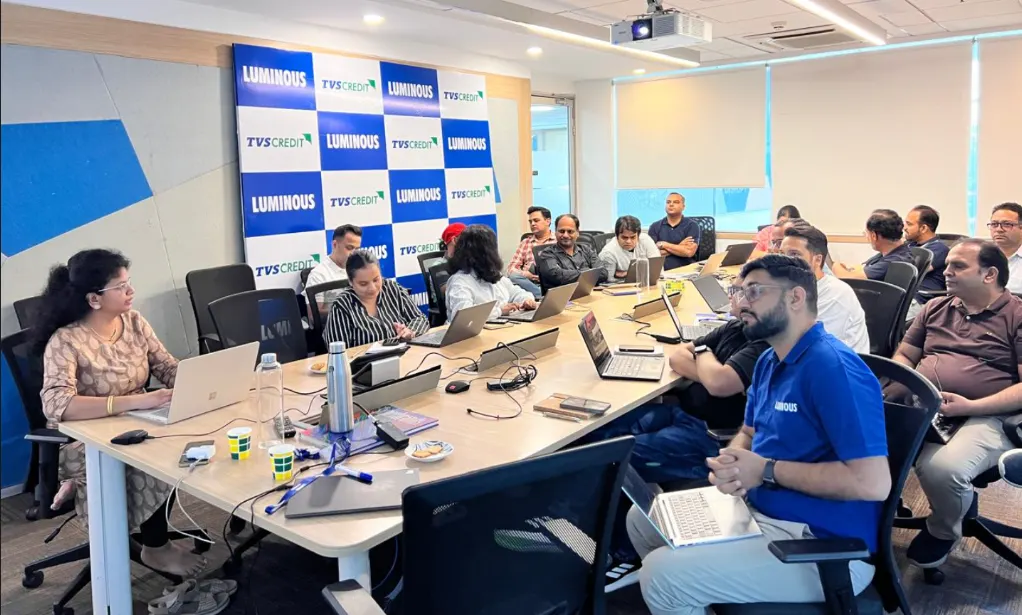
Gyansetu conducted Power BI training for Livpure employees
Livpure
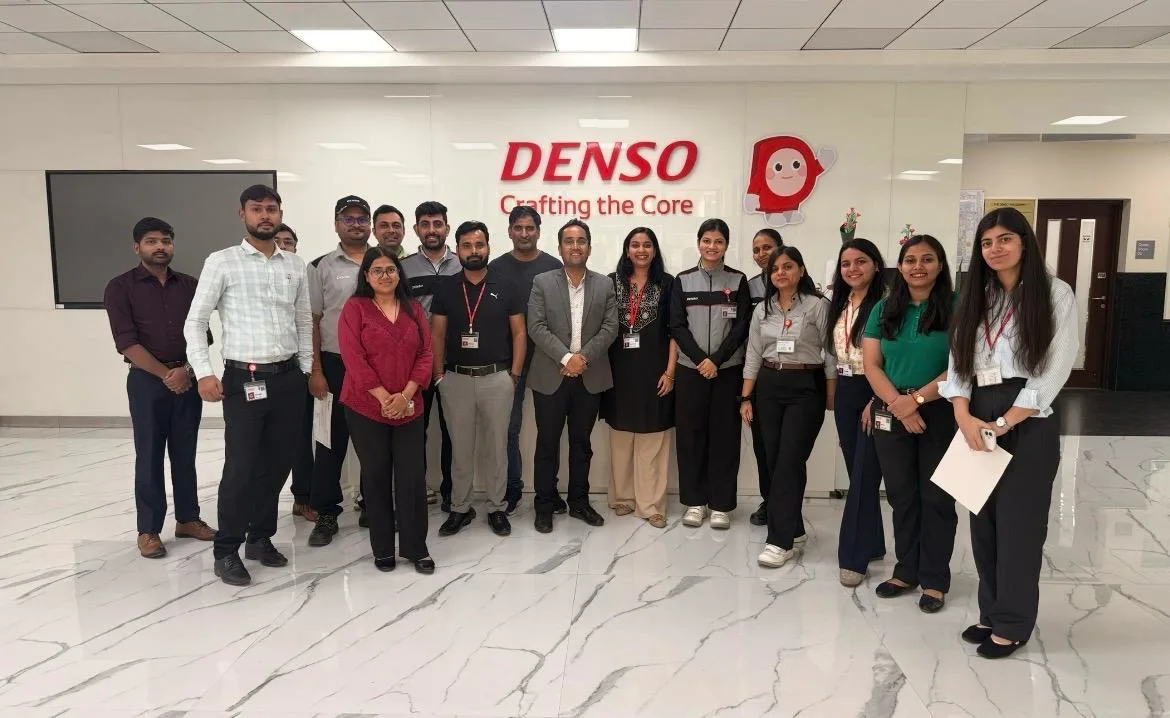
Gyansetu conducted Advanced Excel training for Denso International Employees
Denso International
Gyansetu conducted Full Stack Development training for ReverseLogix employees
ReverseLogix
Gyansetu conducted Advanced Java training for BML Munjal University students
BML Munjal University
Gyansetu conducted workshop on Cloud Computing and Data Analytics for Manav Rachna University students
Manav Rachna University
Gyansetu conducted Java workshop for GLA University students
GLA University
Gyansetu conducted Data Analytics Workshop for DPGITM students
DPGITM
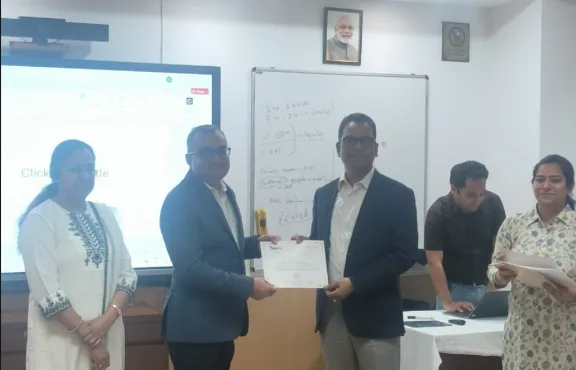
Certificate Issued to Gyansetu by GD Goenka University
GD Goenka University

FOR QUERIES, FEEDBACK OR ASSISTANCE

Contact Gyansetu Learner Support

Our Learners Testimonials

Ankita Mishra
Gyansetu’s commitment to practical learning has been evident throughout my journey as an Associate at EY. The institute’s focus on hands-on projects and real-world applications of Data Analytics principles equipped me with the skills and confidence needed to tackle complex business challenges in my role.
Anupriya Gupta
Transitioning into the role of Data Analyst at Google, I attribute much of my readiness to Gyansetu's practical learning environment. The institute's hands-on projects and real-world case studies provided me with the opportunity to develop the analytical skills necessary to thrive in a dynamic organization like Google.
Karan Bansal
I had a great learning experience with Gyansetu. The trainers were knowledgeable and supportive. The practical approach and hands-on training helped me in my work as an Insurance Operations Associate at Accenture.
self assessment
Self Assessment Test

Learn, Grow & Test your skill with Online Assessment Exam to achieve your Certification Goals.

FAQ: Power Automate Training in Gurgaon

What is Microsoft Power Automate?

Power Automate is a microsoft tool that helps to automate tasks which are repetitive and integrate applications to improve the efficiency of business using cloud-based flows.

Who can take this course?

Anyone who wants to have their career in this field can enroll in this course regardless of their educational background. Our course is designed in such a way that even a beginner can easily learn workflow automation.

Do I need coding knowledge?

No prior coding is required. Power Automate is a low-code platform designed for easy use by professionals.

During the course you’ll be learning how to build, test and manage automated workflows integrated with Microsoft 365. Our curriculum at Gyansetu includes real-world projects which makes you job ready from day one.

Yes, Gyansetu offers flexible learning formats which include online, offline and hybrid format. This flexibility helps learners to learn at their pace.

Yes, Gyansetu’s curriculum includes real-world, industry – relevant automation projects. These projects will help you to get information on how businesses work.

After completion of the course you can work as Power Platform Developer, Automation Specialist, Business Analyst or Process Improvement Consultant.

Yes, on completion of the course you will get Gyansetu’s Power Automate course certificate. This certificate will enhance your chances of employability.

During the course you’ll be using tools that help you to master power automation. These tools include Microsoft Power Automate, Power Apps, Power BI and Excel Integration.

The salary of automation professionals in India earn in between ₹ 6-15 LPA. This package increases as you attain more experience and skills.

To join Gyansetu’s Power Automate course you don’t need to have prior coding experience. Our course is beginner friendly which helps even a fresher to grasp easily. Basic computer knowledge is a bonus point.

Yes, Gyansetu offers 100% placement support to students by helping them in building resumes, interview preparation, and referrals to employers. 

To enroll in this course you can visit the center or contact the support team. By this you can get to know about the discounts available at that time.

frequently asked questions by students for courses
Categories
Drop us a Query
+91-9999201478

Available 24x7 for your queries

Please enable JavaScript in your browser to complete this form.