Power BI Course in Delhi Overview

Advance your career with Power BI Course in Delhi at Gyansetu- a Program that helps you gain the best business intelligence and data visualization skills in the industry. As evidenced in the 2024 Magic Quadrant of analytics platforms of Gartner, power BI is the most preferred business intelligence system in the world because it has a user-friendly interface that is flexible and has the capability of producing real-time analytics.

This course is not just theoretical, but rather 100% practical, simply due to live projects that mimic a real-world workplace environment. You will go beyond learning how to use Power Query and DAX functions and learn how to model data at its finest to convert raw data into actionable, decision-ready dashboards and reports. Regardless of your technical or non-technical background, this course can make you confident in your ability to make use of industry-standard tools to satisfy business requirements.

Complete your training through real-time case studies in the fields of finance, marketing, and operations, and therefore your training is career-oriented and relevant. Under the guidance of experienced professionals, the course includes all the details step by step, and by the end of it, you will be able to impress employers with the professional level of Power BI skills.

Join the best Power BI training in Delhi that combines the practical experience, latest trends in the industry and overall support that can make you get ahead into your career in data analytics today.

Why Choose GyanSetu for Power BI Course in Delhi?

Gyansetu provides you numerous advantages which makes it different from other institutes. Here is why you can choose Gyasetu for better career opportunity:

  1. Industry-Focused Curriculum: Get practical, project based training which covers all essentials from basics to advanced.
  2. Expert Trainers: Get to learn with certified professionals who have great knowledge about Power BI.
  3. Hands-on Learning: Learn while working on live projects, case studies and data-driven exercises.
  4. Flexible Options: We offer flexible options like offline as well as online classes which fits your schedule.
  5. Placement Support: At gyansetu, you will get 100% placement help which includes crafting resume, mock interviews & job assistance.
  6. Certification: On completion of your course you will get industry-recognized credential which can help you to boost your career.

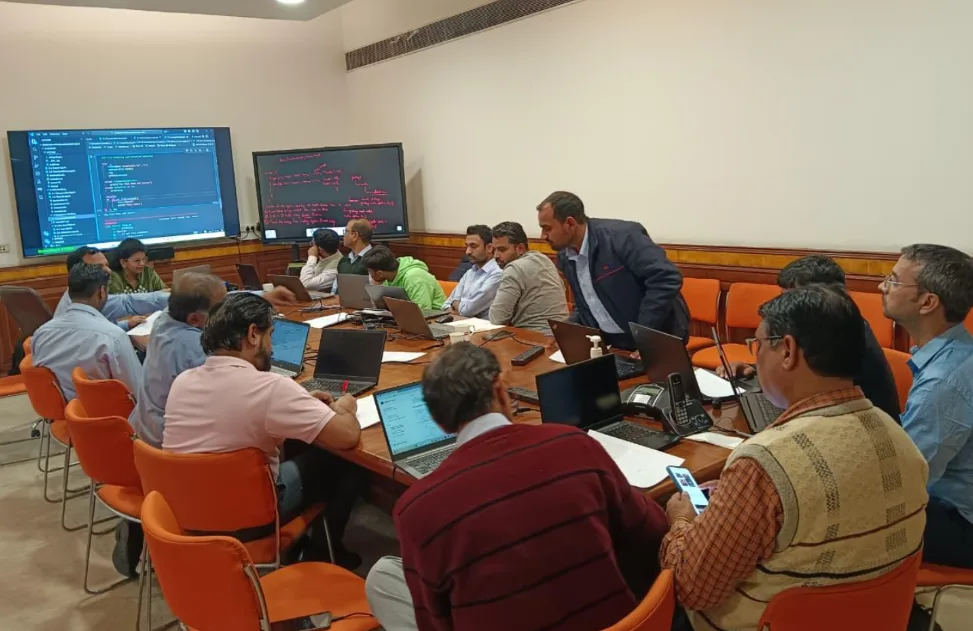
power bi training course in Delhi

Key Highlights of Power BI Course

100% Placement Support
Free Course Repeat Till You Get Job
Mock Interview Sessions
1:1 Doubt Clearing Sessions
Flexible Schedules
Real-time Industry Projects

Placement Stats

stats
Maximum salary hike
150%
Average salary hike
80%

Our Alumni in Top Companies

Power BI Course Placement Highlights

Kirti
100 % Hike
B.Com.
Fresher
Advanced Analyst
Ernst & Young
Sonal Jha
100 % Hike
B.Tech.
Fresher
Data Analyst
Deutsche Bank

Batches Timing for Power BI Certification Course in Delhi

Track Weekdays (Tue-Fri) Weekends (Sat-Sun) Fast Track
Course Duration 2 Months 3 Months 15 Days
Hours Per Day 1-2 Hours 2-3 Hours 5 Hours
Training Mode Classroom/Online Classroom/Online Classroom/Online

Power BI Certification Course in Delhi

After finishing the course on the Power BI of Gyansetu in Delhi, you will receive a Power BI Developers Certification that is internationally recognized. The certification ensures your skills in designing professional dashboards, performing real-time analysis of data, and using advanced techniques of DAX and Power Query. It is approved by other professionals in the industry, and this significantly means a lot to the employer of skilled employees.

With our certification, you have acquired not only theoretical  information but also a wide range of hands-on experience in the form of live projects and case studies which makes you more credible upon entering the competitive job market. 

The LinkedIn Workplace Learning Report 2024 also emphasizes that practical, project-based skills, which are represented by certifications, are immediately becoming the focus of recruiters, which is precisely what you will have.

Achieving this certification does not only complement your resume, but also provides an opportunity to access high-paying data analytics, business intelligence, and decision support positions not only in Delhi, but other places as well. With this prestigious qualification, you will be assured of securing a better job in an interview and attract greater attention from the recruiter.

Gyansetu also provides placement services all the time, so the moment you finish your studies you can move on to the earning stage in the field of data analytics.

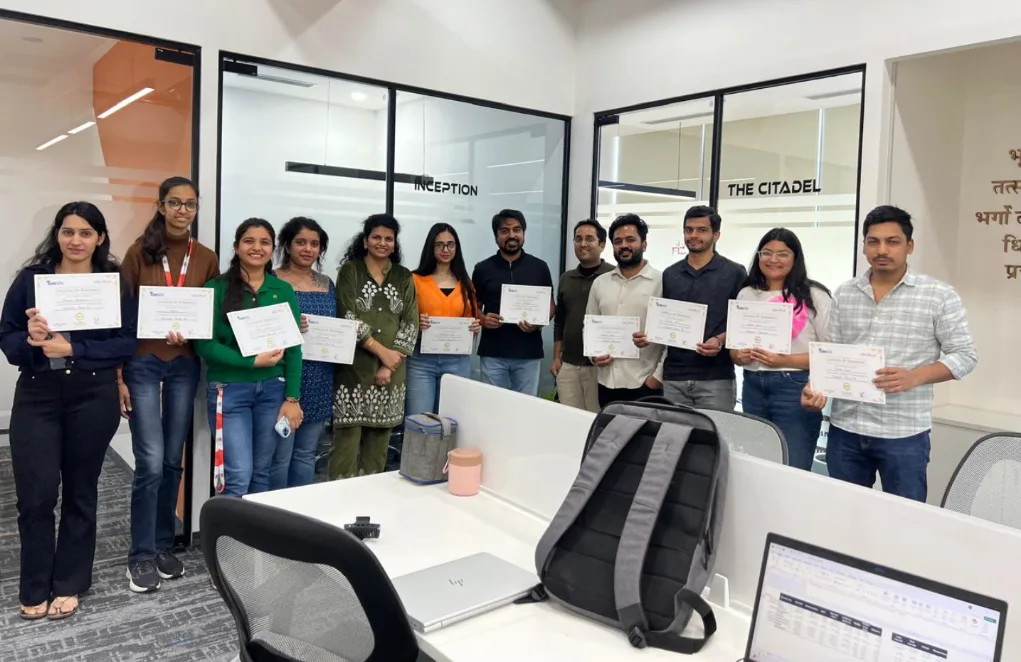
power bi course certification

Power BI Course Curriculum

The Power BI course in Delhi provided by Gyansetu provides you with a diversified course that enables you to have end-to-end data visualization, advanced DAX, power query, and integration of cloud services. Study using practical projects on data modeling, report designing, dashboard creation, and real-time analytics with the help of Power BI Desktop and Service. Practical exposure to tools such as Excel integration, Python/R scripting to create more impressive graphics, and scheduled data refresh is also included in the course to make sure that you acquire job-relevant knowledge that meets industry needs.

Introduction 7 Topics
  • Power BI Installation
  • Power BI Desktop
  • Data Imports into Power BI
  • Views in Power BI
  • Building a Dashboard
  • Publishing Reports
  • Creating Dashboard in Power BI
Components 8 Topics
  • Power Query
  • Power Pivot
  • Power View
  • Power Map
  • Power BI Service
  • Power BI & QA
  • Data Management Gateway
  • Data Catalog
Integration With Data Sources 8 Topics
  • Connect to DataSources
  • Power BI SQL Server Integration
  • Power BI MySQL Integration
  • Power BI Excel Integration
  • Python Integration with Power BI Desktop
  • Power BI Web Integration using APIs
  • Power BI Salesforce Integration
  • Power BI Microsoft Integration
  • Change Data type of column
  • Clean and Transform using Query Editor
  • Advanced Data sources and transformations
  • Cleaning irregularly formatted data
  • Combine Multiple tables
  • Clusters
  • Format dates
  • Groups
  • Hierarchies
  • Joins
  • Pivot table
  • Query Groups
  • Split Columns
  • Unpivot table
  • How Data Model Looks Like
  • Database Normalization
  • Data Tables vs Lookup Tables
  • Primary Key vs Foreign Key
  • Relationships vs Merged Table
  • Creating Table Relationships
  • Creating Snowflake Schemas
  • Managing & Editing Relationships
  • Active vs Inactive Relationships
  • Relationship Cardinality
  • Many to Many
  • One to One
  • Connecting Multiple Data Tables
  • Filter Flow
  • Introduction to DAX
  • DAX calculation types
  • Aggregate Functions
  • Date Functions
  • Logical Functions
  • String Functions
  • Trigonometric Functions
  • Area Chart
  • Bar chart
  • Card
  • Clustered Bar chart
  • Clustered Column chart
  • Donut chart
  • Funnel chart
  • Heat Map
  • Line Chart
  • Clustered Column and Line chart
  • Line and Stacked Column chart
  • Matrix
  • Multi-Row Card
  • Pie chart
  • Ribbon chart
  • Stacked Area chart
  • Scatter Chart
  • Stacked Bar chart
  • Waterfall chart
  • Map
  • Filled Map
  • Slicer Basic
  • Filters
  • Advanced Filters
  • Top N Filters
  • Filters on Measures
  • Page Level Filters
  • Report Level Filters
  • Drill through Filters
  • Visuals in Power BI
  • Create and Customize simple visualizations
  • Combination charts
  • Slicers
  • Map visualizations
  • Matrixes and tables
  • Scatter charts
  • Waterfall and funnel charts
  • Gauges and single-number cards
  • Modify colors in charts and visuals
  • Z-Order
  • Duplicate a report page
  • Power BI Service
  • QuickSights in Power BI
  • Create and configure a dashboard
  • Share dashboards with organizations
  • Install and configure personal gateway
  • Using Excel Data in Power BI
  • Upload Excel Data to Power BI
  • Import Power View and Power Pivot to Power BI
  • Connect OneDrive for Business to Power BI
  • Introduction to content packs, security and groups
  • Publish Power BI Desktop reports
  • Print and export dashboards and reports
  • Manually republish and refresh your data
  • Introduction Power BI Mobile
  • Creating groups in Power BI
  • Build content packs
  • Use content packs
  • Update content packs
  • Integrate OneDrive for Business with Power BI
  • Publish to web

Industry Ready Power BI Projects

We do not only teach you Power BI but also assist you in its application. We have practical assignments developed by professionals working in the field, which means you can feel like you have gained some actual experience and are not afraid to go to a job on the first day.
Designed by Industry Experts
Get Real-World Experience
Financial Dashboard for Budget Monitoring

This project includes creating a real time financial dashboard for the stakeholders to monitor budget performance for various departments and projects. You will be integrating accounting data in Power BI from various sources like cloud platforms, spreadsheets and many more for visualising revenue forecasts, cost trends and actual vs budgeted expenses. Power BI provides you advanced features like drill down reports, customizable filters, slicers, bar charts, filled maps, etc. that helps stakeholders to gain real time insights and make data driven decision making.

Sales Forecasting and Pipeline Analysis

This projects develops a sales forecasting dashboard for tracking performance and revenue projects. You will be visualising sales volume, conversion rates, and pipeline stages by integrating data from CRM systems and cloud platforms. Users can analyse sales trends, forecast future revenue analysis through visuals like scatter plots, funnel charts, etc. The dashboards also provides insights into sales team performance, sales pipeline health and customer acquisition with the help of predictive analytical features and machine learning algorithms.

clock-icon
80+
Hours of content
video
25+
Live sessions
hammer
5+
Tools and software

Power BI Skills you can add in your CV

What Sets This Program Apart?

GyanSetu
Other Courses
all-in-one All-in-One Toolkit
Complete roadmap: Power BI, DAX, Data Modeling, Data Visualization, Power Query, Gen AI–powered BI automation
Limited topics, outdated dashboards, no AI-assisted BI features.
progress-icon Beginner-to-Pro
Starts from scratch, no prior knowledge required, step-by-step skill-building.
Assumes prior knowledge, leaving beginners confused.
empowered Gen AI–Powered BI
Choose your specialization – Power BI Developer, Business Intelligence Analyst, or Reporting Analyst.
One-size-fits-all course with no career customization.
How-to-Become-a-Data-Analyst Real Industry Exposure
20+ real dashboards + 2 live capstone projects using real company datasets.
Only 1–2 small academic projects, mostly theoretical.
expertise Legacy & Expertise
Founded by IIIT-H alumni with 15+ years of BI & analytics training experience.
Trainers lack strong industry background.
practice Practice Over Theory
70% hands-on Power BI building, DAX coding, data modeling & real report development.
Mostly theory-based sessions with minimal real BI practice.
mentorship Expert Mentorship
Learn directly from working BI professionals from Amazon, Deloitte, Accenture.
Generic faculty with no real industry exposure.
course in gurgaon
Who is this course for?
  • Data Analysts
  • Project Managers
  • IT Professionals
  • Career Changers
  • Sales Professionals
  • Marketing Professionals

Career Assistance for Power BI Course in Delhi

briefcase
Job Opportunities Guaranteed

Get a 100% Guaranteed Interview Opportunities Post Completion of the training.

lock
Access to Job Application & Alumni Network

Get chance to connect with Hiring partners from top startups and product-based companies.

Mock Interview Session

Get One-On-One Mock Interview Session with our Experts. They will provide continuous feedback and improvement plan until you get a job in industry.

Live Interactive Sessions

Live interactive sessions with industry experts to gain knowledge on the skills expected by companies. Solve practice sheets on interview questions to help crack interviews.

lock
Career Oriented Sessions

Personalized career focused sessions to guide on current interview trends, personality development, soft skill and HR related questions.

briefcase
Resume & Naukri Profile Building

Get help in creating resume & Naukri Profile from our placement team and learn how to grab attention of HR’s for shortlisting your profile.

Top Companies Hiring for Power BI Role

Honours & Awards Recognition

Awarded by GD Goenka University
GD Goenka University
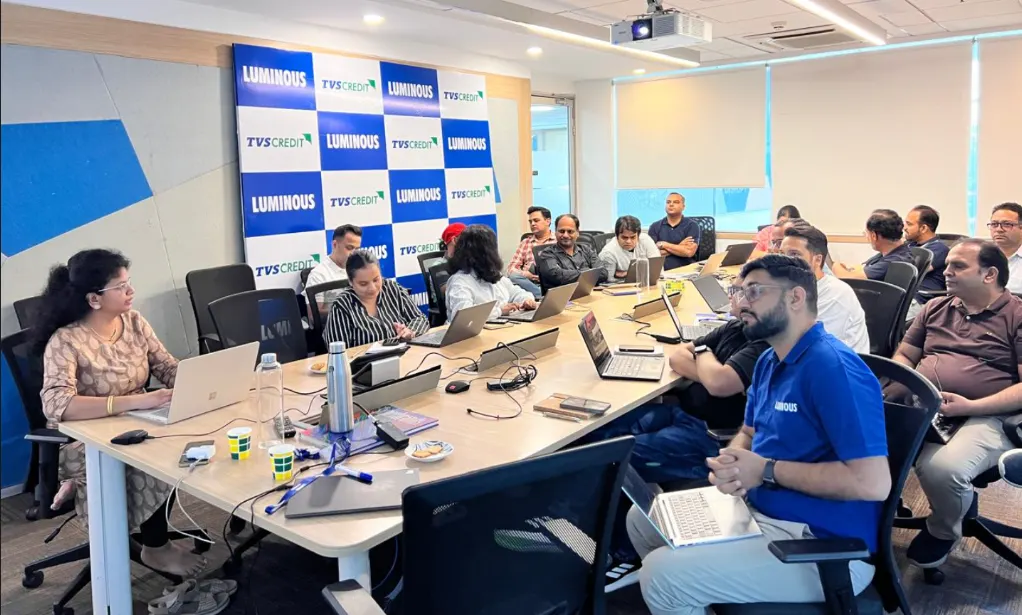
Gyansetu conducted Power BI training for Livpure employees
Livpure
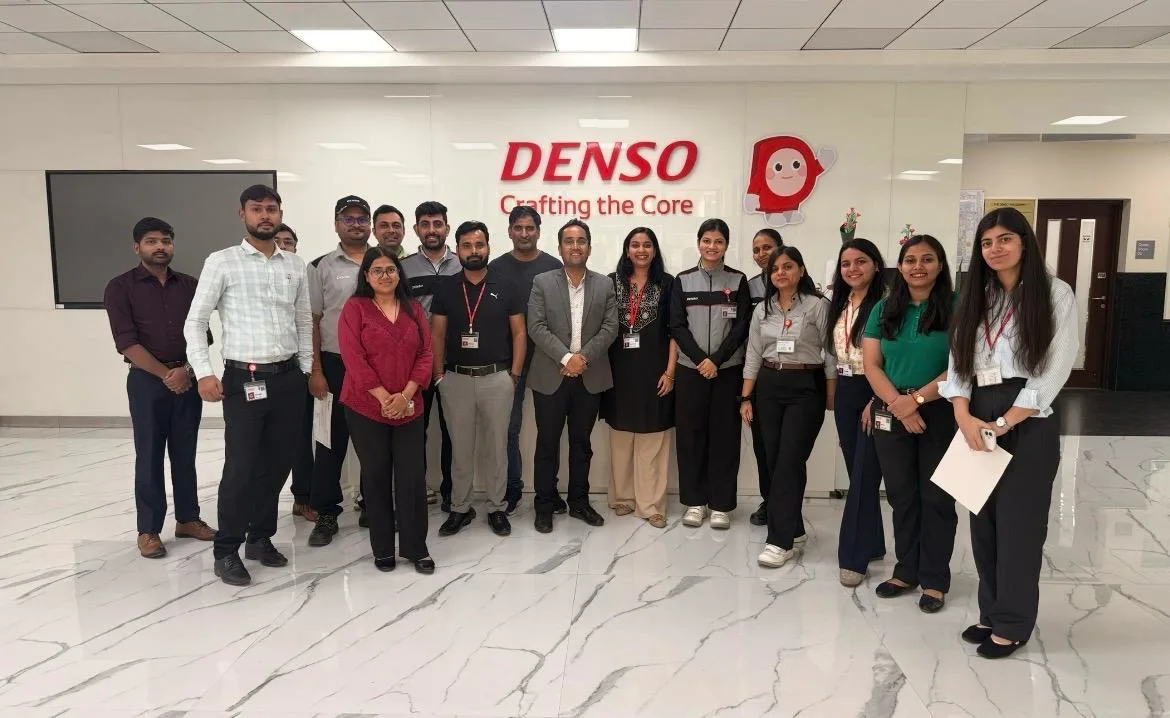
Gyansetu conducted Advanced Excel training for Denso International Employees
Denso International
Gyansetu conducted Full Stack Development training for ReverseLogix employees
ReverseLogix
Gyansetu conducted Advanced Java training for BML Munjal University students
BML Munjal University
Gyansetu conducted workshop on Cloud Computing and Data Analytics for Manav Rachna University students
Manav Rachna University
Gyansetu conducted Java workshop for GLA University students
GLA University
Gyansetu conducted Data Analytics Workshop for DPGITM students
DPGITM
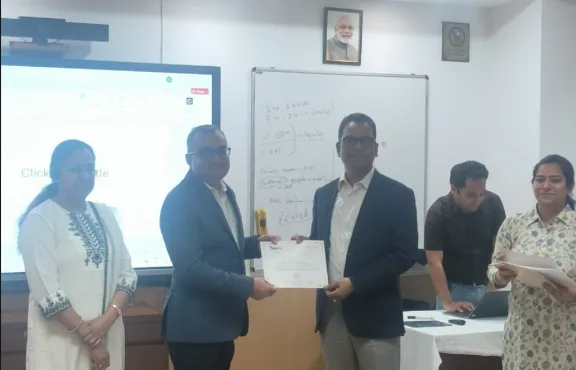
Certificate Issued to Gyansetu by GD Goenka University
GD Goenka University

FOR QUERIES, FEEDBACK OR ASSISTANCE

Contact Gyansetu Learner Support

Our Learners Testimonials

Anupriya Gupta
Transitioning into the role of Data Analyst at Google, I attribute much of my readiness to Gyansetu's practical learning environment. The institute's hands-on projects and real-world case studies provided me with the opportunity to develop the analytical skills necessary to thrive in a dynamic organization like Google.
Akash Madan
Transitioning into the role of Data Analyst at FINAGG, Gyansetu's practical learning methodologies have been invaluable. The institute's hands-on projects and industry-aligned curriculum provided me with the opportunity to apply theoretical concepts in real-world scenarios, enhancing my analytical abilities, and decision-making skills.
Alisha Garg
With knowledgeable trainers providing practical and theoretical knowledge, Gyansetu helped me advance my career. I feel blessed to be placed as a Business Analyst at Kalgudi Digital.
self assessment
Self Assessment Test

Learn, Grow & Test your skill with Online Assessment Exam to achieve your Certification Goals.

FAQs: Power BI Training In Delhi

Who is able to take the Power BI in Delhi?

The course is perfect for those who have no background in business intelligence, data visualization, and analytics via Power BI and would also prefer to learn it. No prior experience in coding is needed.

What are the things I will be able to learn during this Power BI training?

You will receive information loading, transformation using Power Query, advanced DAX functions, data modeling, dashboard development, printing reports, and operating Power BI Service using real-time data.

Is it online training or face-to-face training?

Gyansetu provides a flexible learning opportunity with live online courses, offline classrooms in Delhi, and the hybrid system of learning to meet the different learning styles of learners.

Yes, it has 100 percent of practical projects and case studies on the basis of actual industry data on finance, marketing, and operations fields to prepare career-ready abilities.

The certificate of Power BI Developer that you will get after completing live project work with Gyansetu will have a global recognition, and it will lead to the increased employability and interest of the recruiter.

Yes, Gyansetu offers job location services such as resume creation, LinkedIn resume optimization, mock interviews and job referrals in the data analytics market of Delhi.

The minimum computer skills and interest in data analytics are needed. The trainers take you through it step by step with no prior knowledge of power BI.

frequently asked questions by students for courses
Categories
Drop us a Query
+91-9999201478

Available 24x7 for your queries

Please enable JavaScript in your browser to complete this form.