Q1. What is the duration of the Power BI course in Faridabad?
Our Power BI course duration in Faridabad is around 2 and a half months which you can choose as per the batch you are enrolled in. Weekend batches are scheduled for 8-10 weeks over Saturdays and Sundays, where as the weekday batch finishes in 6-8 weeks with classes being conducted 3-4 days a week. The extensive Power BI certification training course offers 60+ hours of instructor-led online classes, hands-on lab practices for learners, and project work to give a comprehensive understanding of how the tool can be used in real-life scenarios. We also have fast-track 4-week option for those looking to up-skill in minimal time.
Q2. How much does the Power BI course cost in Faridabad?
Our Power BI course fees in Faridabad span from INR 15,000 to INR 25,000 based on the learning method and batch type you choose. We have classroom, online and hybrid options to fit any budget. The fee is inclusive of extensive study material, lifetime access to recorded sessions, practical project experience and 100% placement guarantee. Hurry up & enroll now to avail maximum benefits on PowerBI practical course along with discounted cost. We support flexible EMI’s and also offer special discounts for students/early bird/group enrolments so that everyone can learn Quality mooted Power BI Training
Q3. What are the job opportunities for Power BI professionals in Faridabad?
There are good number of career opportunities for Power BI professionals in Faridabad, thanks to the increasing IT and industrial sector. A Power BI developer in Faridabad receives an annual wage between INR 3.3 LPA -INR 9.8 LPA(as per experience and skills). There is a high demand of Power BI analysts in NCR such as Gurgaon, Delhi, and Noida for full time data analyst, business intelligence and reporting positions. We offer placement support to grads in top firms looking for Power BI certified professionals to work on data driven projects.
Q4. Do I need prior programming knowledge to learn Power BI?
No, you don’t require deep understanding of coding to begin our Power BI course. Basic Excel skills and knowledge of data concepts are nice to have but we teach Power BI from scratch so it is suitable even for beginners. The course gradually leads you on how to generate reports using Power BI Desktop, DAX formulas and Power Query but doesn’t need coding expertise. Prior knowledge of SQL or databases can help you learn faster.
Q5. What topics are covered in the Power BI curriculum?
Our comprehensive Power BI course covers data connectivity and import, Power Query for data transformation, data modeling and relationships, DAX functions and calculations, creating interactive visualizations and charts, building dynamic dashboards, implementing filters and slicers, working with Power BI Service and cloud deployment, report design best practices, mobile BI, row-level security, and performance optimization. Advanced modules include integrating with Azure, working with real-time data, creating custom visuals, and implementing AI-powered analytics. The curriculum aligns with Microsoft PL-300 certification requirements.
Q6. Is the Power BI certification recognized by employers?
Yes, our Power BI certification is highly valued by employers across various industries around the globe. This certificate proves the skills of learners in data visualization and business tools. Our training prepares you for the Microsoft PL-300 data analyst associate certification. Our certification validates your capability to transform data into actionable insights.
Q7. What is the difference between online and classroom Power BI training?
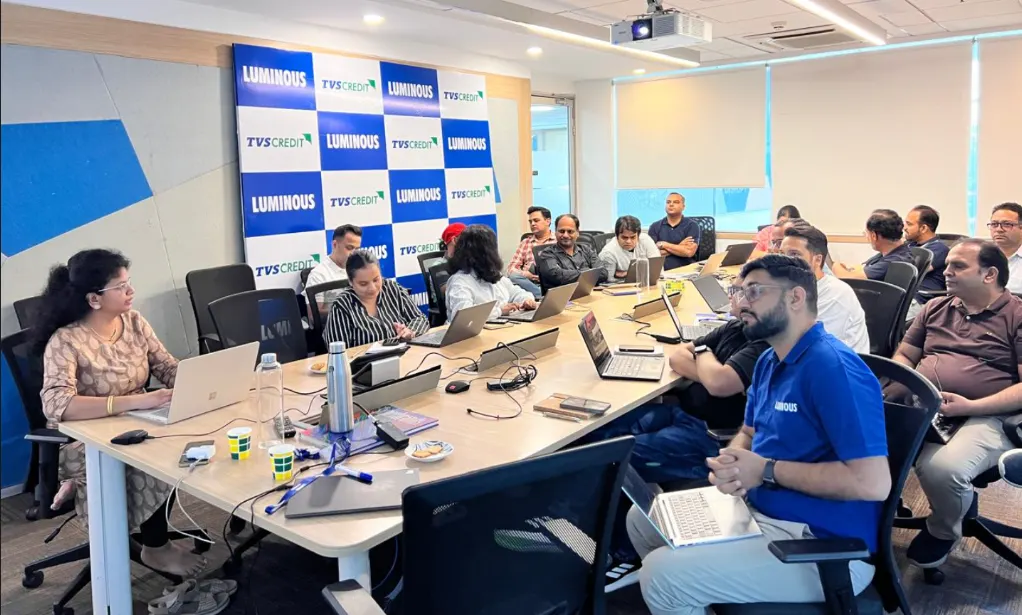
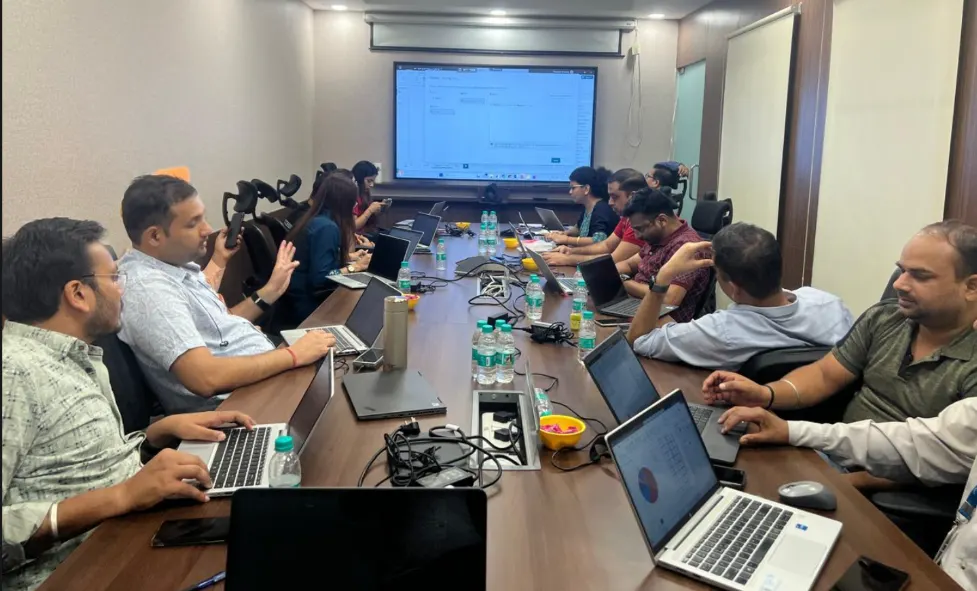
Our classroom Power BI training in Faridabad offers face-to-face interaction, immediate doubt resolution, and networking with peers in our state-of-the-art labs. Online Power BI classes provide flexibility to learn from anywhere with live instructor-led sessions, not pre-recorded videos. Both formats include hands-on projects, practice assignments, and placement support. Classroom training suits those preferring structured schedules, while online training benefits working professionals. The curriculum, instructor quality, and certification remain identical regardless of format. Choose based on your location convenience and learning preference.
Q8. Can I get placement assistance after completing the course?
Absolutely! We provide comprehensive placement assistance to all Power BI course graduates. Our dedicated placement team offers resume building, LinkedIn profile optimization, mock interview sessions with industry experts, and direct connections to 200+ hiring partners. We conduct regular placement drives where companies specifically recruit for Power BI developer, data analyst, and business intelligence positions. Additionally, we share relevant job openings, provide interview preparation guidance, and offer career counseling. Our alumni network also helps with referrals. Many students secure positions within 2-3 months of course completion.
Q9. How is Power BI different from Excel and Tableau?
While Excel handles basic data analysis and small datasets, Power BI is purpose-built for big data, complex visualizations, and interactive dashboards with superior performance. Compared to Tableau, Power BI offers seamless integration with Microsoft ecosystem (Office 365, Azure, SQL Server), more affordable pricing, and natural language queries. Power BI excels in DAX calculations and faster data refresh. Tableau provides slightly more advanced visualizations, but Power BI’s ease of use, regular updates, and Microsoft backing make it the preferred choice. Our course explains these differences with practical demonstrations.
Q10. What career paths can I pursue after learning Power BI?
Power BI skills open diverse career opportunities including Power BI Developer, Data Analyst, Business Intelligence Analyst, Business Analyst, Data Visualization Specialist, BI Consultant, Reporting Analyst, and Analytics Manager. You can work across industries like finance, healthcare, retail, manufacturing, consulting, and technology. With experience, you can advance to senior roles like BI Architect, Data Engineering, or Analytics Manager. Many professionals also pursue freelancing and consulting opportunities. The demand for Power BI expertise continues growing as organizations increasingly rely on data-driven decision-making.
Q11. Will I work on real-world projects during training?
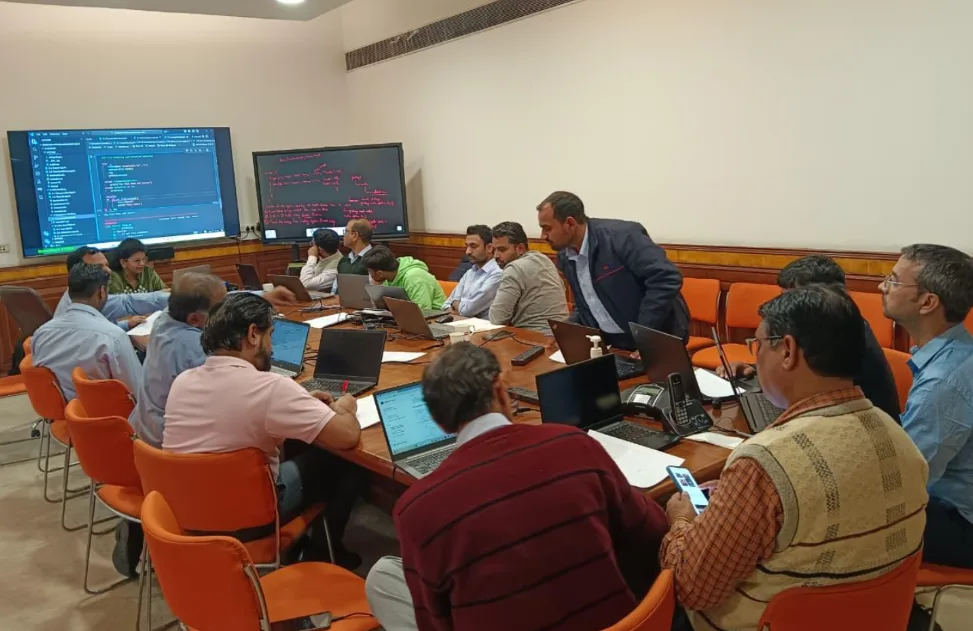
Yes, hands-on project work forms the core of our Power BI training methodology. You’ll complete 15+ industry-based projects covering sales analysis, financial reporting, HR analytics, customer segmentation, inventory management, marketing dashboards, and healthcare data visualization. Each project uses real datasets and simulates actual business scenarios. You’ll learn to gather requirements, clean data, create data models, build interactive dashboards, and present insights—exactly as you’ll do professionally. These projects become part of your portfolio, demonstrating your practical capabilities to potential employers during interviews.
Q12. Do you offer weekend batches for working professionals?
Yes, we specifically design weekend Power BI batches for working professionals in Faridabad. Classes run on Saturdays and Sundays with flexible timing options—morning (9 AM-12 PM) or afternoon (2 PM-5 PM) sessions. The weekend format allows you to upskill without disrupting your current job. The curriculum, project work, and certification remain identical to weekday batches. We also record all sessions for review during weekdays. Many working professionals have successfully transitioned to data analyst roles through our weekend program while maintaining their employment.
Q13. Is there any support available after course completion?
We provide extensive post-training support to ensure your continued success. You receive 6 months of free doubt-clearing assistance through dedicated channels including WhatsApp groups, email support, and scheduled doubt-resolution sessions. Lifetime access to recorded sessions, updated study materials, and practice resources remains available. Join our active alumni community for networking, knowledge sharing, and career opportunities. We also send updates about advanced workshops, new Power BI features, and industry trends. Our instructors remain accessible for guidance as you navigate your professional journey in data analytics.
Q14. What are the system requirements for Power BI?
Power BI Desktop runs on Windows 10 or later (64-bit) with minimum 2 GB RAM, though 8 GB is recommended for optimal performance. You need .NET Framework 4.5 or higher, Internet Explorer 11 or later for viewing reports, and at least 2 GB free disk space. Mac users can access Power BI through Windows virtual machines or use Power BI Service online. During our training, you’ll practice in our labs with high-performance systems. For home practice, we provide guidance on setup and recommend suitable system configurations.
Q15. How do I enroll in the Power BI course at Gyansetu Faridabad?
Enrolling is simple! Visit our Faridabad center for a free counseling session where we’ll understand your background, career goals, and recommend the right batch. You can also register online through our website or call our admission team. We offer free demo classes so you can experience our teaching methodology before committing. After enrollment, you’ll receive course materials, access to learning resources, and batch schedule. We assist with easy payment options including EMI. Contact us today to start your Power BI learning journey with Faridabad’s best training institute!
Q11. Will I work on real-world projects during training?
Yes, hands-on project work forms the core of our Power BI training methodology. You’ll complete 15+ industry-based projects covering sales analysis, financial reporting, HR analytics, customer segmentation, inventory management, marketing dashboards, and healthcare data visualization. Each project uses real datasets and simulates actual business scenarios. You’ll learn to gather requirements, clean data, create data models, build interactive dashboards, and present insights—exactly as you’ll do professionally. These projects become part of your portfolio, demonstrating your practical capabilities to potential employers during interviews.
Q12. Do you offer weekend batches for working professionals?
Yes, we specifically design weekend Power BI batches for working professionals in Faridabad. Classes run on Saturdays and Sundays with flexible timing options—morning (9 AM-12 PM) or afternoon (2 PM-5 PM) sessions. The weekend format allows you to upskill without disrupting your current job. The curriculum, project work, and certification remain identical to weekday batches. We also record all sessions for review during weekdays. Many working professionals have successfully transitioned to data analyst roles through our weekend program while maintaining their employment.
Q13. Is there any support available after course completion?
We provide extensive post-training support to ensure your continued success. You receive 6 months of free doubt-clearing assistance through dedicated channels including WhatsApp groups, email support, and scheduled doubt-resolution sessions. Lifetime access to recorded sessions, updated study materials, and practice resources remains available. Join our active alumni community for networking, knowledge sharing, and career opportunities. We also send updates about advanced workshops, new Power BI features, and industry trends. Our instructors remain accessible for guidance as you navigate your professional journey in data analytics.
Q14. What are the system requirements for Power BI?
Power BI Desktop runs on Windows 10 or later (64-bit) with minimum 2 GB RAM, though 8 GB is recommended for optimal performance. You need .NET Framework 4.5 or higher, Internet Explorer 11 or later for viewing reports, and at least 2 GB free disk space. Mac users can access Power BI through Windows virtual machines or use Power BI Service online. During our training, you’ll practice in our labs with high-performance systems. For home practice, we provide guidance on setup and recommend suitable system configurations.
Q15. How do I enroll in the Power BI course at Gyansetu Faridabad?
Enrolling is simple! Visit our Faridabad center for a free counseling session where we’ll understand your background, career goals, and recommend the right batch. You can also register online through our website or call our admission team. We offer free demo classes so you can experience our teaching methodology before committing. After enrollment, you’ll receive course materials, access to learning resources, and batch schedule. We assist with easy payment options including EMI. Contact us today to start your Power BI learning journey with Faridabad’s best training institute!


 Complete Power BI Toolkit
  Beginner to Pro Roadmap
  Real Business Projects
  Live Instructor-Led Training
  Hands-On Practical Focus
  Flexible Learning Access
  Career Support